
The extension day to day
Panel tour
The panel is Vintedge's main interface. It opens on top of Vinted, by clicking the round blue button at the bottom left of any Vinted page.
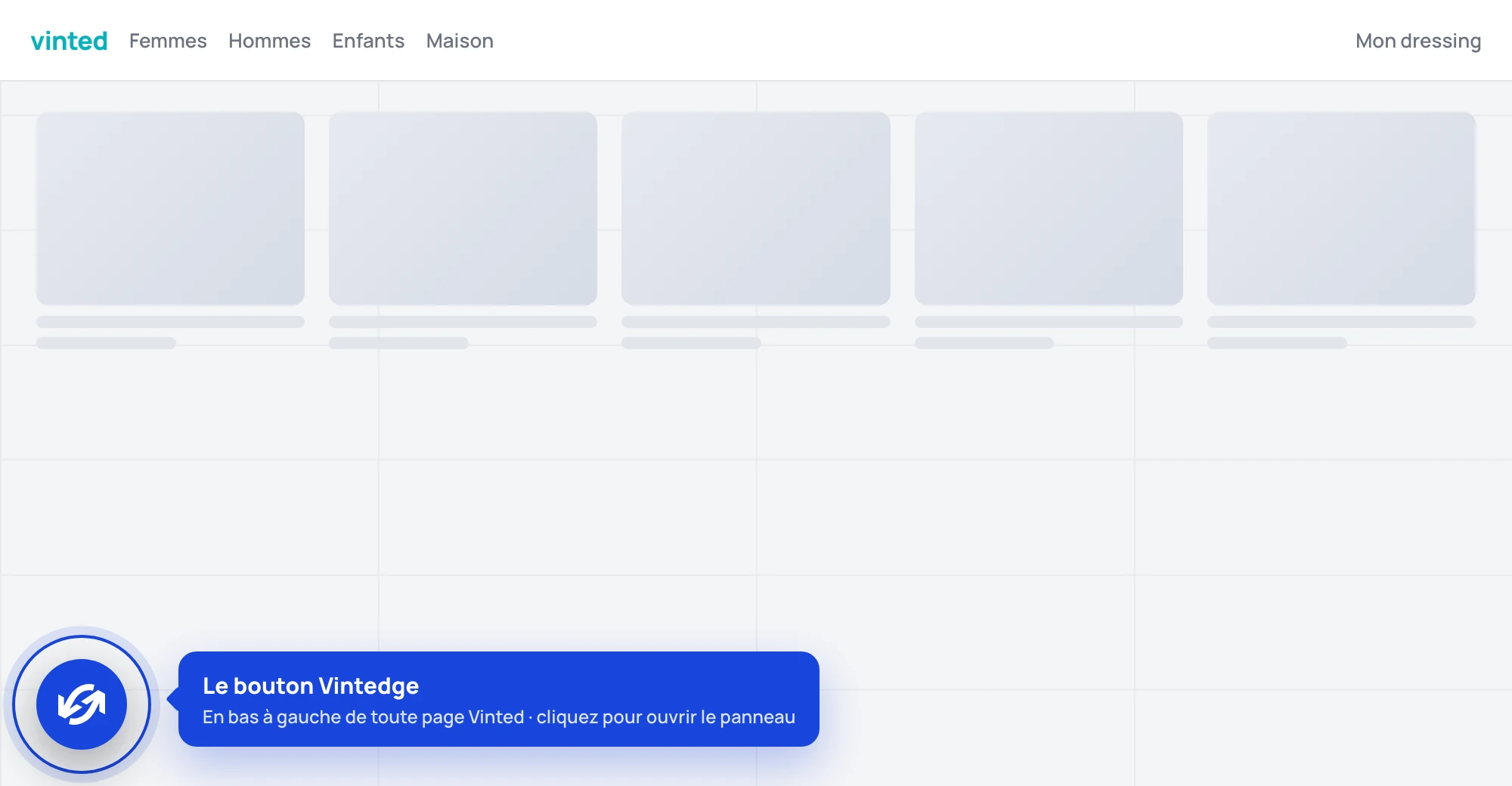
The button can be moved: drag it wherever you like on the page, its position is remembered. A click on it opens the panel.
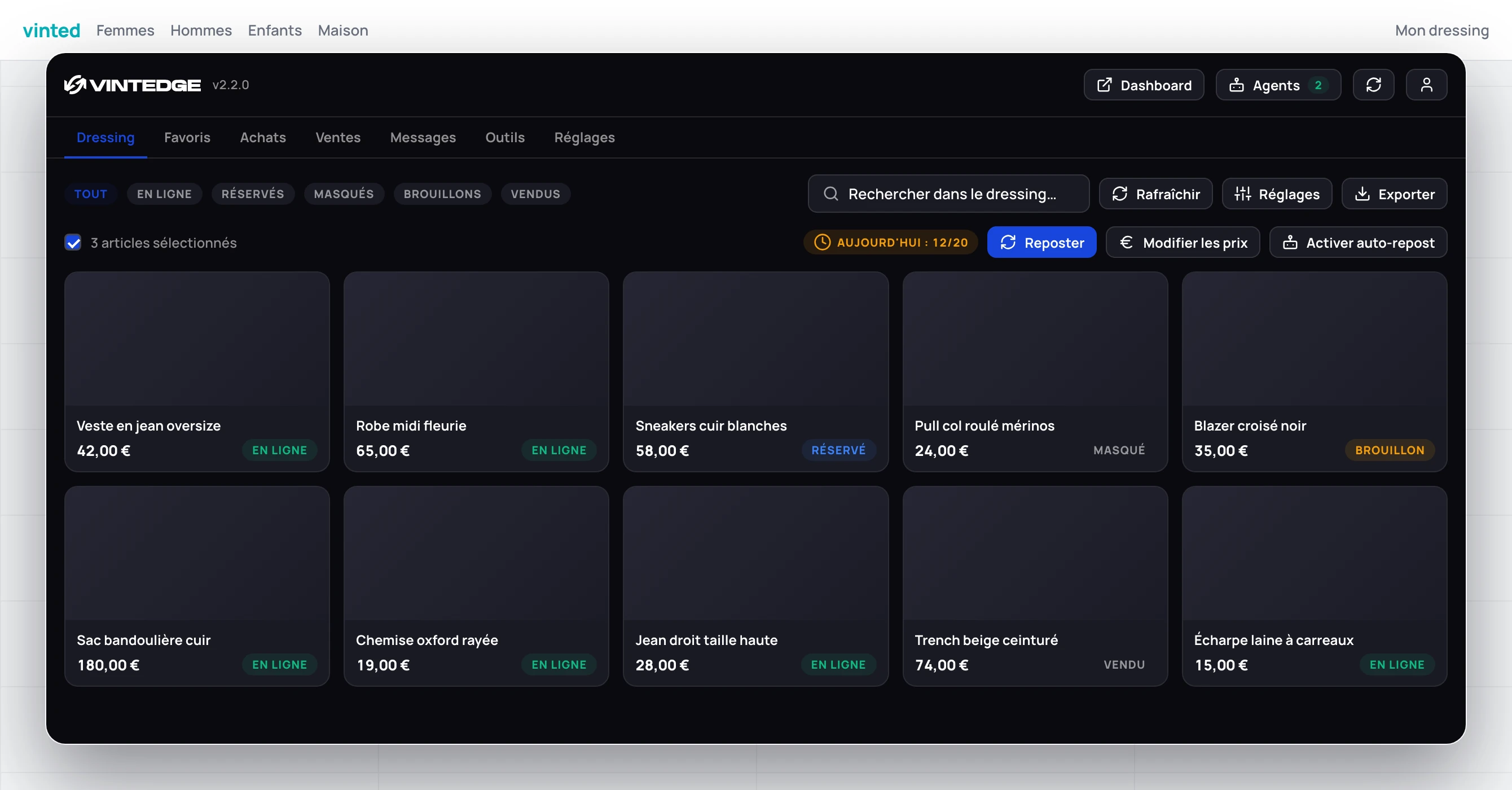
The seven tabs
| Tab | What you do there |
|---|---|
| Wardrobe | Your listings: repost, hide, change prices, back up photos |
| Favorites | The people who favorited your items, and the messages sent to them |
| Purchases | Your orders: tracking, collection codes, confirming receipt |
| Sales | Your sales: shipping labels, tracking, shipping deadlines |
| Messages | Your Vinted conversations, with quick replies and offers |
| Utils | PDF cropping, pending feedback, cleaning up favorites and follows |
| Settings | Account, integrations, appearance |
On mobile, the row of tabs scrolls horizontally.
The top bar
To the right of the logo:
Dashboard — opens vintedge.app in a new tab.
Agents — the automation menu, with a green badge showing how many are running right now. See below.
Sync icon — its color gives the state: blue (in progress), green (up to date), red (error). A click opens the Sync & backups window.
User icon — a shortcut to the Settings tab.
The version number is shown next to the logo: give it to support if you report a problem.
The Agents menu
Three agents are controlled from there:
- Favorites agent — a switch to turn it on or off, plus a cog that opens its settings.
- Offers agent — no switch: it is controlled from the dashboard. The cog opens a note that points you there.
- Auto-Messages — switch and settings.
Each row shows its state: Running, Inactive, Idle or Error.
An agent your plan does not cover appears with a padlock and the note "Reserved for a higher plan". You see what exists, and you do not activate it by accident.
Auto-Repost is not in this menu: it is switched on from the wardrobe settings, alongside the other repost options.
When a tab crashes
Each tab is isolated. If one of them hits an error, it shows "An error interrupted this tab" and a Reload panel button — the other tabs keep working.
The panel on a phone
The panel also works on mobile, in a browser that accepts extensions (Orion on iPhone, Kiwi or Yandex on Android). It then switches to a single column, the tabs scroll horizontally, and no Vinted tab is reserved.
Two caveats: PDF downloads are temperamental, and the agents stop as soon as the screen locks. The details are in Install on your phone.